
Shopify Custom Order Status
Shopify only ships with a handful of order states, which is why most brands end up building their own. Here is what a custom order status is, when you need one, and how to design a flow your customers can actually follow.
Shopify describes an order with two status fields. Most brands need more.
Out of the box, those two fields are payment status and fulfillment status. They are useful for accounting and for filtering inside the admin, but they are not enough to tell a customer what is actually happening with their order.
A made-to-order brand still shows "Unfulfilled" three weeks into production. A wholesale order looks identical to a retail one on the order page. A pre-order has no special signal at all. The customer sees the gap, opens a support ticket, and the cycle starts.
A Shopify custom order status closes that gap. This post covers what a custom status actually is, when it is worth setting one up, and how to design a flow that holds together past ten orders a day.
What a Shopify custom order status actually is
A custom order status is any state you define for an order beyond Shopify's defaults. It lives alongside payment and fulfillment status, not in place of them, and its job is to describe where the order is in your operation.
In practice it usually shows up in two places:
- The order status page the customer lands on after checkout.
- The notification emails that go out as the order moves.
The internal order in Shopify admin still uses the standard fields. The custom status is the customer-facing layer on top.
It can be as simple as a single extra stage between paid and shipped, or as detailed as a seven-step production pipeline. The right shape depends entirely on what your operation actually does.
When you need one
Not every store needs custom statuses. If your orders go from paid to shipped within a day and the tracking link does the rest, the defaults are usually fine.
Custom statuses start paying for themselves when one of these is true:
- There is a real gap between paid and shipped. Made-to-order, print on demand, embroidery, fresh food, anything with production or prep time.
- Different orders move differently. Wholesale, pre-order, subscription, and custom builds all need their own flow.
- You are getting WISMO tickets. "Where is my order" tickets are usually a sign that the order page does not answer the question on its own.
- The fulfillment timeline is variable. Stages that sometimes take an hour and sometimes take a week need explicit communication, not silence.
If two or more of those apply, the order page is doing less work than it should be, and a custom status flow is the fix.
Designing the stages
The most common mistake is to copy your internal operations one-to-one onto the customer page. Operations stages are written for your team. Customer stages are written for someone who does not work at your company and is mildly anxious about a purchase.
A few principles that hold up across categories:
- Cover the whole journey, not just the parts that are hard. Customers want to see motion from the moment they pay. A default status that fires immediately is non-negotiable.
- Pick a granularity you can sustain. Three honest stages beat seven that you cannot keep current.
- Name for the customer, not the warehouse. "QC'd" is internal. "Quality checked and ready to pack" is customer-facing.
- Plan for the slow case. Every stage needs to read sensibly on day one and on day five.
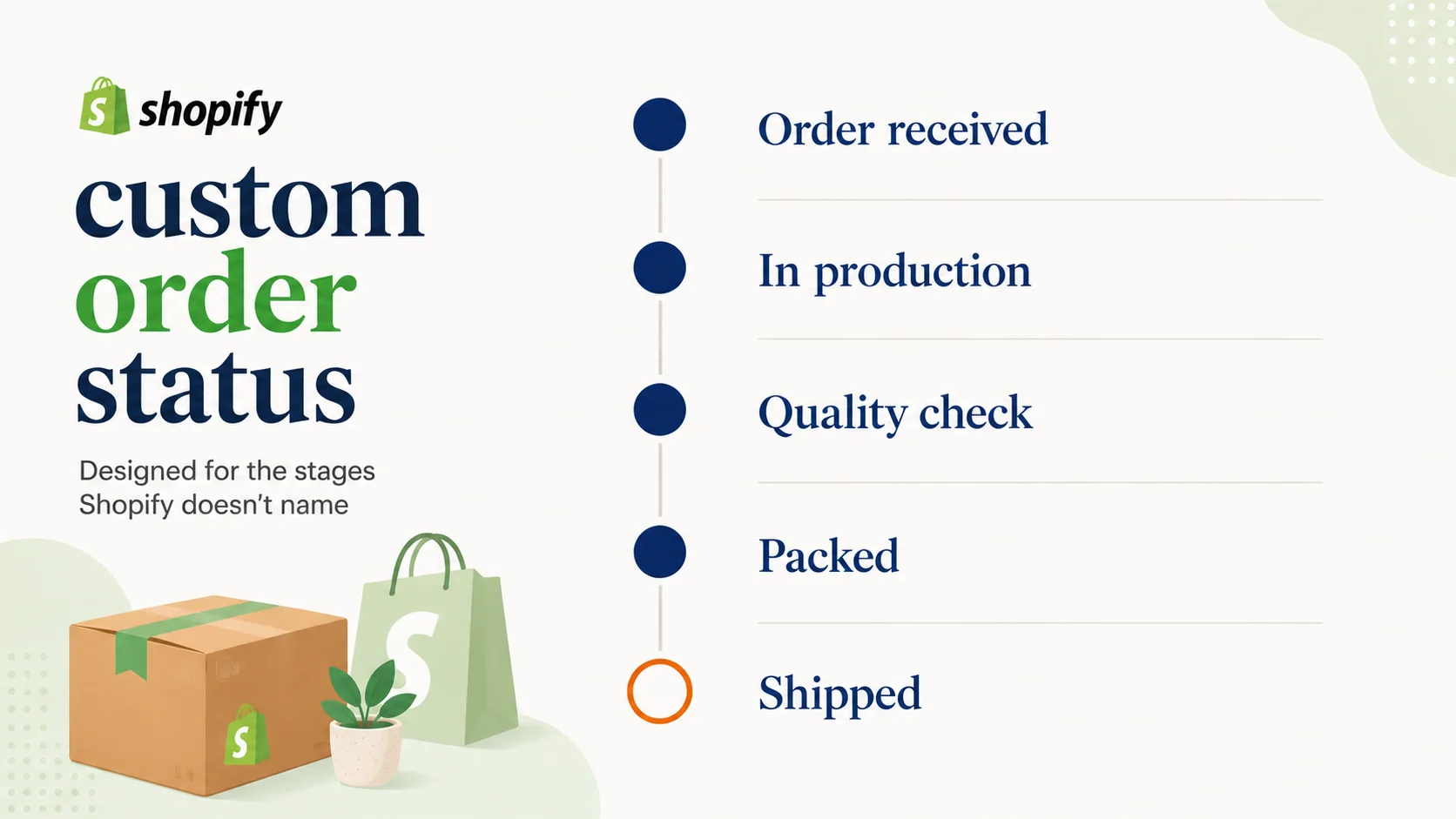
A typical made-to-order flow ends up looking something like this:
- Order received
- In production
- Quality check
- Packed
- Shipped
Five stages, each with a short label and a one-line description. That is usually enough.
For more on naming the stages themselves, see how to name custom order statuses customers actually understand.
How merchants build them on Shopify
There are three common technical paths, and most stores end up using a combination:
Order metafields. Shopify lets you attach metafields to an order, and a custom status can live in one. This is the most flexible foundation, but on its own it does not display anywhere customer-facing. You still need a way to show it on the order status page and in emails.
Tags. Order tags are quick to set, easy to filter on, and visible to Shopify Flow. They are a reasonable stand-in for a status field if you do not need anything more structured, though they can get messy across a large catalogue of stages.
A dedicated app. Purpose-built order status apps handle the storage, the customer-facing display, the notifications, and the admin UI in one place. This is the path most brands end up on once their flow grows past two or three stages.
Whichever route you pick, the storage layer is only half the job. The other half is keeping the value accurate.
Keeping statuses current at scale
A status that goes stale is worse than no status at all. Customers learn quickly whether the order page tells the truth, and once they decide it does not, they go back to opening tickets.
Manual updates work up to about ten orders a day. Past that, the status flow needs to be driven by automation. There are five mechanisms worth combining:
- A default status that fires the moment an order is placed.
- Fulfillment-driven changes (paid, fulfilled, refunded) tied to existing Shopify events.
- Time-based progression for stages Shopify does not know about, like production or QC.
- Shopify Flow rules for logic that depends on order attributes (wholesale vs retail, pre-order vs in stock).
- API calls from external systems (production tools, 3PLs, QC apps) for events that happen outside Shopify.
A full breakdown of each is in how to automate order status changes on Shopify.
Pair every status with a notification
The order status page is where motivated customers go to check. Notifications are how the rest find out. A custom status flow that only updates the page misses most of its audience.
Each stage should have a matching email, and each one should be short, present-tense, and tell the customer what is happening and what comes next. The same wording you use in the description on the page generally works in the notification too.
For the writing side of that, see writing Shopify order status emails customers actually open.
What good looks like
A working Shopify custom order status flow has a few visible signs:
- The order page never shows a blank or generic state.
- The status changes on a predictable schedule, even when no one on your team has touched the order.
- Customers can describe the current stage in their own words after a single read.
- WISMO tickets drop, especially in the days between paid and shipped.
- The team stops getting pinged about "what is happening with order #12345" because the page already says.
If those are true, the custom status flow is doing its job. If any of them are not, the fix is usually in the wording, the automation, or the notifications, not in adding more stages.
Final takeaway
A Shopify custom order status is the bridge between what your operation is actually doing and what your customer can see. The defaults give you accounting fields. A good custom flow gives you a customer-facing story that holds up from checkout to delivery.
StatusPro is built for exactly this: defining custom order statuses, displaying them on the Shopify order status page, sending matching notifications, and keeping every stage current through defaults, time rules, Flow, and the API.